
ONLINE COURSE
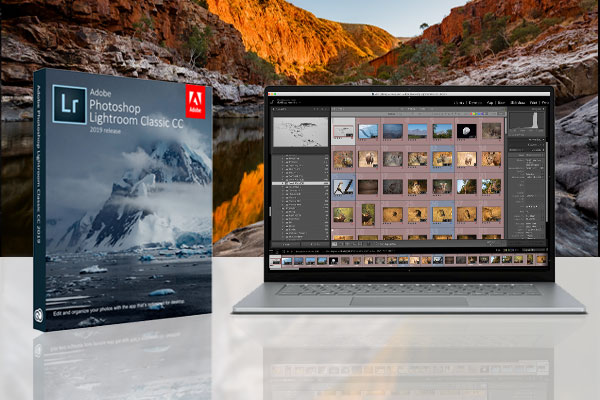
Beginners Lightroom Classic Online Course
Welcome to Getting Started in Lightroom Classic 2024. Work through 38 lessons covering setup, importing and organising your images, editing, and exporting.
Course details ↗What’s it all about?
Whether you’re a beginner just starting out or a seasoned professional, the image editing process is often the difference between a beautifully balanced image and a contrasty mess. The best part? It doesn’t have to be complicated. Image editing doesn’t have to mean spending hours and hours in front of the computer; it can be as simple as a couple of clicks. Join me on this in-depth course as I simplify the ins and outs of Lightroom Classic, including workflow, importing, basic editing, exporting and a whole lot more. This course uses desktop Lightroom Classic, not the mobile Lightroom app.
What you’ll learn
- Build a strong foundation in Lightroom Classic
- Set up folders and presets to keep your files organised
- Import, move and reconnect your photos confidently
- Edit with crop, rotate, profiles, white balance and tone tools
- Apply lens corrections, sharpening and noise reduction
- Export, share and back up your work
Your course outline
- Getting set up for success — image processing, exposure and starting with good ingredients.
- The Lightroom interface — the modules and how to simplify your workspace.
- Importing images — folder structure, file naming and the different ways to import.
- Staying organised — moving, renaming, reconnecting, rating and backing up your images.
- Editing your images — cropping, profiles, white balance, tone, presence, lens corrections, sharpening, noise reduction and basic object removal.
- Exporting images — create presets and take your finished work into the real world.
THE PRACTICAL DETAILS
Ready to learn.
What’s included
- Online video lessons with Matt Krumins
- Learn at your own pace
- Repeat the lessons whenever you need a refresher
- Course access in My Account
What’s not included
- Adobe software subscription
- Advanced masking, transform tools and collections
GET SET UP
What you need
- A computer with Adobe Lightroom Classic (desktop version)
- An active Adobe subscription is recommended
- Basic computer skills and an internet connection
Frequently asked questions
How do I access my course?
Sign in to My Account and open My Courses. Your purchased courses and eligible workshop inclusions appear together.
Can I repeat the lessons?
Yes. Work through the course at your own pace and return to the lessons whenever you need a refresher.
Can I download the videos?
The lessons are streamed online, so you need an internet connection to watch them.
Do I need prior Lightroom experience?
No. This course starts at the beginning. Basic computer skills are useful.
Is this suitable for the Lightroom app on my iPad or phone?
This course covers desktop Lightroom Classic, not the mobile Lightroom app.
Does the course cover advanced editing?
The focus is a solid foundation, organisation and everyday image editing. Advanced masking, transform tools and collections are outside this course.