
FULL DAY WORKSHOP
Advanced Lightroom Classic
Join me on this full day workshop as we deep dive into the advanced organisation and editing techniques in Lightroom Classic*.
What’s it all about?
Join me on this full day workshop as we deep dive into the advanced organisation and editing techniques in Lightroom Classic*. Set up automated smart collections, explore keywording and metadata, up your workflow game and master advanced editing techniques. Take control of the Details Panel, Colour Grading tools, and Advanced Masking to transform your RAW files into stunning photographs. This workshop is hands on in a small group meaning we can dedicate time to getting you over those hurdles holding you back. With so many changes happening in Lightroom over the past year this workshop is a must to get up to speed and take full advantage of the incredible tools that Adobe offers. *Note, this workshop does not cover the mobile Lightroom App.
What you’ll learn
- Organise like a pro: Take control of the powerful organisational tools in Lightroom Classic including Collections, Smart Collections and workflow strategies.
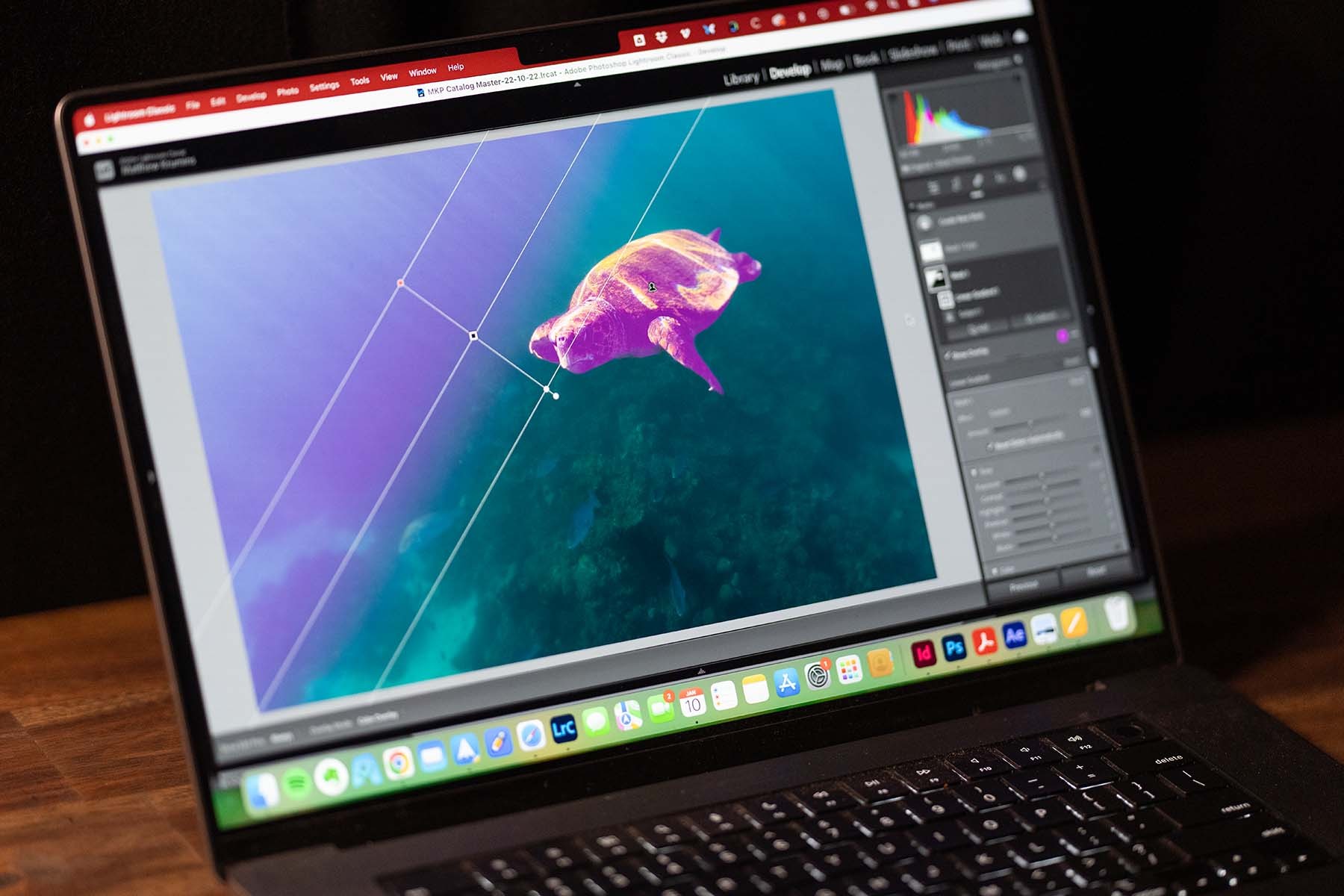
- Master your masking: Localised edits in Lightroom unlock endless creative options. They can accentuate features in your images or completely transform the photo.
- Print or publish: Learn to prepare your images for print or publishing online. Get an insight into colour calibration and colour workflow.
The plan
FIND YOUR FLOW · WORKFLOW
Tidy up your act as I take you through my photography workflow. We look at how to quickly and efficiently sift through a shoot, make selections and speed up the workflow process.
GET ORGANISED · COLLECTIONS & SMART COLLECTIONS
Explore some of Lightroom’s most powerful organisational features with Collections and Smart Collections. Deep dive into the metadata and discover how to find the exact information you want, when you want it.
BRING YOUR SHOTS TO LIFE · MASKING TOOLS
Master one of the most advanced features in Lightroom, the masking tools. Learn about how, when and why to use localised edits using the powerful suite of Masking tools built into Lightroom Classic.
SHARE WITH THE WORLD · PRINTING & PUBLISHING
It's all good and well to have your images edited but unless you can export them with the correct specs then it's a lost cause! We go through the most popular exporting specs and set you up with presets whilst taking into account colour workflow.
FIND YOUR STARTING POINT
Is this workshop for me?
Recommended experienceAdvanced — comfortable importing and making basic edits in Lightroom Classic
You don’t need to know everything before you arrive. The aim is to build on what you already know.
A LITTLE GUIDANCE
Not sure where you’re at?
Try a quick confidence check. Five questions, no right or wrong answers.
Optional • About 2 minutes.
THE PRACTICAL DETAILS
Ready for the day.
What’s included
- This workshop includes a full day workshop at my studio in Lilydale with a full notes pack with diagrams, screenshots and links to video tutorial content! This Lightroom workshop has TONS of resources to help you remember what we cover. Snacks, morning tea and a basic BBQ lunch are also included.
PACK YOUR KIT
What to bring
LAPTOP / DESKTOP COMPUTER
Yep, you will need a computer that is capable of running Lightroom Classic. If joining face-to-face in the studio please ensure you bring a monitor/keyboard/mouse etc.
LIGHTROOM CLASSIC
You will need a copy of Lightroom Classic installed on your computer. I highly recommend this is up-to-date (subscription model) as there are features and compatibilities that are incredibly worthwhile! Jump onto the Adobe Website here to get the latest version.
ACCESSORIES
I highly recommend having a hard drive to back-up your images. This drive needs to be big enough to store your entire catalog of images, I usually recommend 1-2TB.
Studio
Frequently asked questions
WHAT EXPERIENCE LEVEL DO I NEED TO BE?
This is an Advanced Lightroom Classic workshop. That means that it is expected you can comfortably navigate around Lightroom, are able to import images and perform basic edits. You will need to have the software installed on the computer before the workshop though. If you are unsure how to do this please get in touch and we can organise a 1 hour private zoom session to organise this prior to the workshop.
WHAT'S INCLUDED?
This workshop includes a full day workshop at my studio in Lilydale with a full notes pack with diagrams, screenshots and links to video tutorial content! This Lightroom workshop has TONS of resources to help you remember what we cover. Snacks, morning tea and a basic BBQ lunch are also included.